If you are new to DevOps, it can be overwhelming to know where to start. But don't worry! In this post, we give you a comprehensive crash course on getting started with DevOps and show you how to get up and running quickly and make the transition into DevOps a success.
What is DevOps?
In general, DevOps is a set of practices and tools that help companies automate and streamline the software development and delivery process. This includes, for example, Continuous Integration, Continuous Deployment, and Infrastructure as Code.
DevOps also aims to improve collaboration and communication between teams that previously worked in silos, such as developers, operations engineers (or system administrators), QA staff, and others. By breaking down these barriers and coordinating across teams, companies are able to deliver high-quality software faster.
How can I get started with DevOps?
Getting started with DevOps
There are many ways to get started with DevOps, but we recommend starting with these three steps:
1. Automate your deployments
One of the key aspects of DevOps is automation. By automating your deployments, you can speed up your software delivery cycle and reduce errors. There are many tools that can help you with automation, such as Puppet, Chef, and Ansible.
An important point when getting started with DevOps is choosing the right tools and practices that help you work efficiently.
Here are three steps DevOps teams can take to start automating their deployments.
Identify your goals
The first step in any automation project is to identify your goals and the problems you want to solve.
- Does your deployment take too long?
- Are you looking for ways to increase reliability?
- Do you want to reduce human error?
Get a clear idea of what you want to achieve, and then investigate how automation can help.
Consider the needs of your developers
If you rely on automation, it is important that developers are involved in the process and understand how it works. This makes it easier for them to develop tools and later integrate them into your deployment pipeline. You should also look at how your team works and seek ways in which automation can improve the development and deployment process. For example, if developers are working on separate branches, automated merging can speed up the process without causing conflicts or slowdowns.
Start with simple tools
Once you have identified areas where automation would be beneficial, start with simple tools that developers can easily work with.
- To automate the provisioning and configuration of your infrastructure, use a tool such as Puppet or Chef.
- To automate the building, deployment, and testing of your applications, use a tool such as Jenkins.
- For automated testing of your web applications, Selenium is a good starting point.
- To monitor infrastructure and applications, you can use New Relic or Prometheus.
2. Monitor your systems (Monitoring)
In a DevOps environment, monitoring is crucial to ensure that the system runs smoothly and that issues are quickly identified and resolved.
There is a wide variety of monitoring tools and systems, and the best approach depends on the specific needs of the business. However, there are some common elements that should be considered when setting up a monitoring system.
- First of all, it is important to be clear about what needs to be monitored. This depends on the type of system being monitored but can include things such as system performance, application performance, network traffic, and security events.
- Once the specific metrics have been defined, it is important to choose the right tools for collecting and tracking the data. There are a number of open-source and commercial tools, and the best choice depends on the specific needs of the business. It is important to select tools that are easy to use and offer the necessary features and functions. Tools such as Nagios, Zabbix, and New Relic can be a good starting point here.
- Once the tools have been selected, it is important to set up the system so that it can be monitored effectively. This includes configuring alerts so that issues can be quickly identified and resolved.
- Monitoring is an essential part of any DevOps environment, and the right approach depends on the specific requirements of the business. However, if you take the time to select the right tools and set up the system correctly, you can ensure that the system runs smoothly and that issues are quickly identified and resolved.
3. Use a Continuous Integration/Continuous Delivery (CI/CD) pipeline
Remember that getting started with DevOps is an ongoing process that requires constant adjustments and improvements.
A CI/CD pipeline is a series of automated processes that help you build, test, and deploy your software. By using a CI/CD pipeline, you can improve the quality of your software and accelerate your software delivery cycle. There are many tools that can help you set up a CI/CD pipeline, such as Jenkins, Bamboo, and TeamCity.
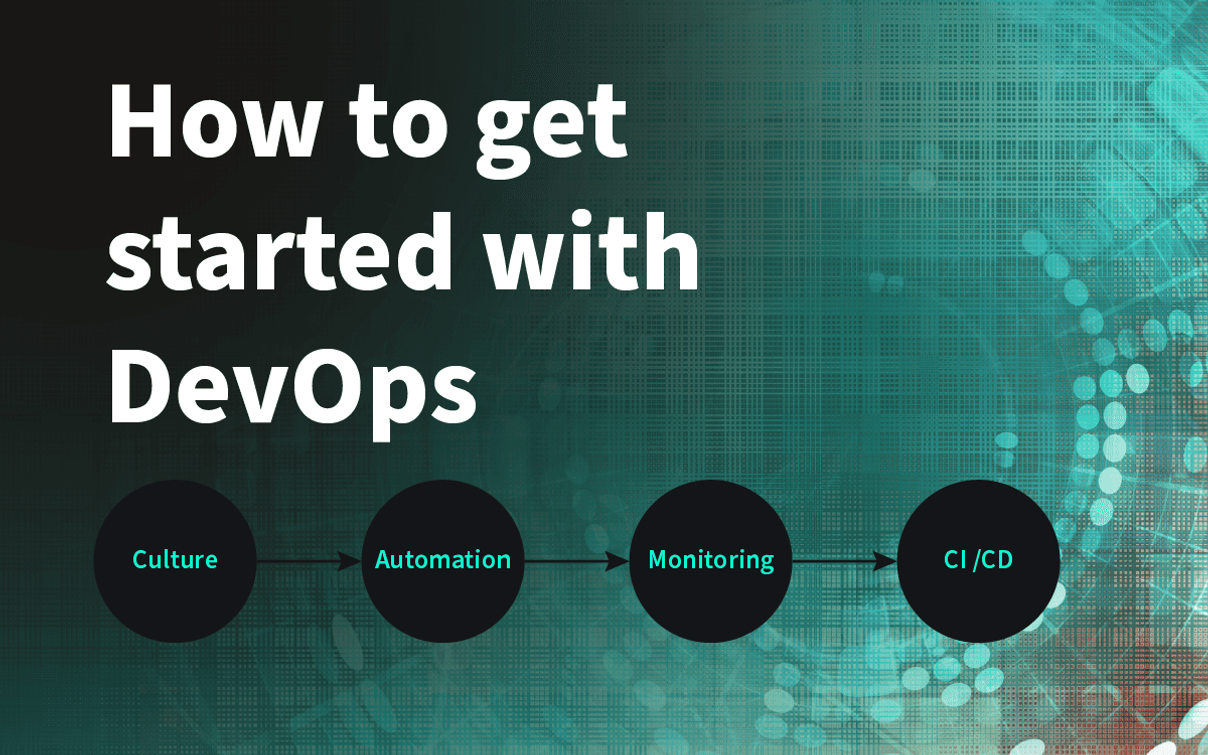
These are just a few of the many ways you can get started with DevOps. But if you want to fully exploit the potential of DevOps, you must introduce the right culture. DevOps is all about culture. It is a set of values, principles, and practices that help companies deliver value to their customers faster and more efficiently.
The right culture enables DevOps. It fosters collaboration, communication, and integration between development and operations teams. It also promotes automation and continuous improvement. Without the right culture, DevOps will only be partially successful.
Conclusion
DevOps is a set of practices and tools that help companies automate and streamline the software development and delivery process. This includes, for example, continuous integration, continuous delivery, and infrastructure as code. DevOps also aims to improve collaboration and communication between teams that previously worked in silos, such as developers, operations engineers (or sysadmins), QA staff, and others. By breaking down these barriers and coordinating work between teams, companies are able to deliver high-quality software faster. To get started with DevOps, we recommend automating deployment, monitoring systems, and using a CI/CD pipeline.
Use these tips for a successful start with DevOps to overcome the challenges of software development.