Status Macro Plugin for Confluence
Project & Incident Status Macro for Confluence
The Status Macro plugin is a simple tool for organizing, classifying, and prioritizing projects, Jira tickets, and tasks in Confluence pages. Availability: Server.
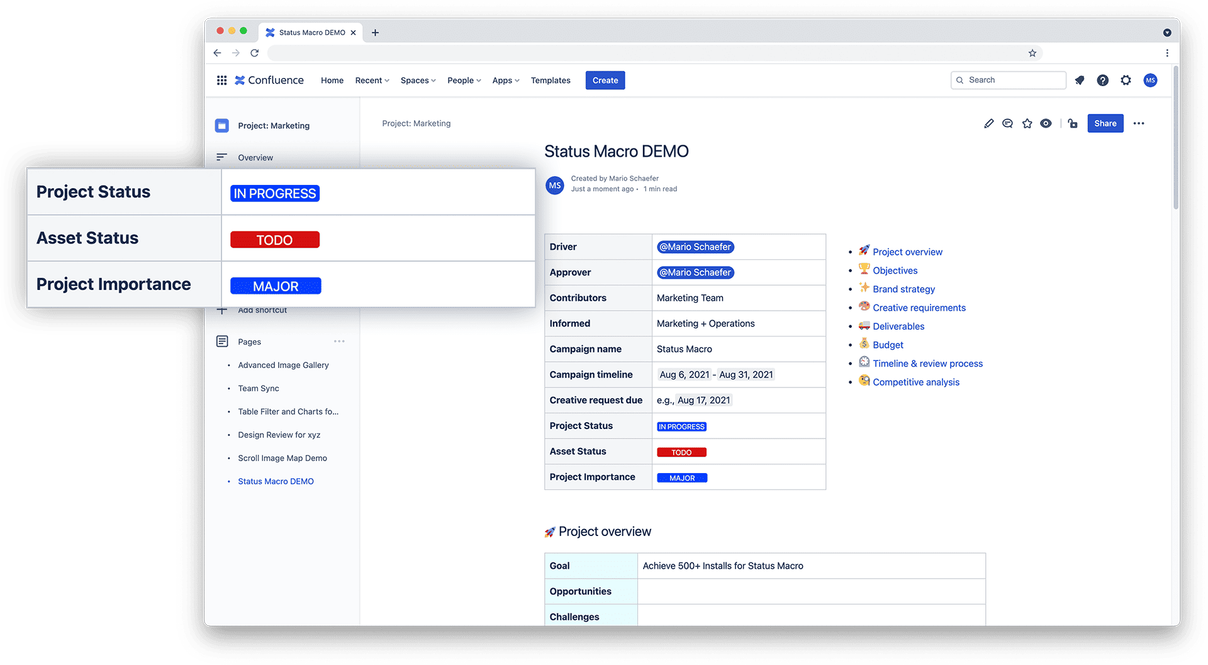
Easy-to-Use Status Macro for Confluence
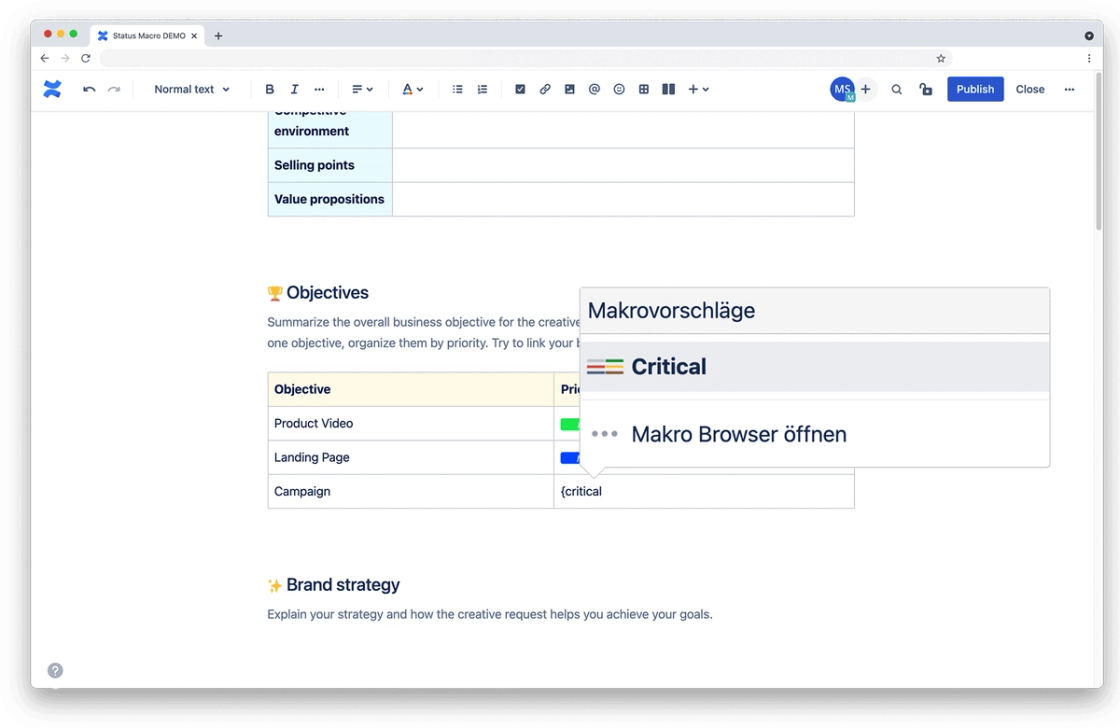
Easy to Use
To add a status, simply type a curly bracket “{”. Then just type the status you need. For “Critical”, for example, this means `{Critical`.
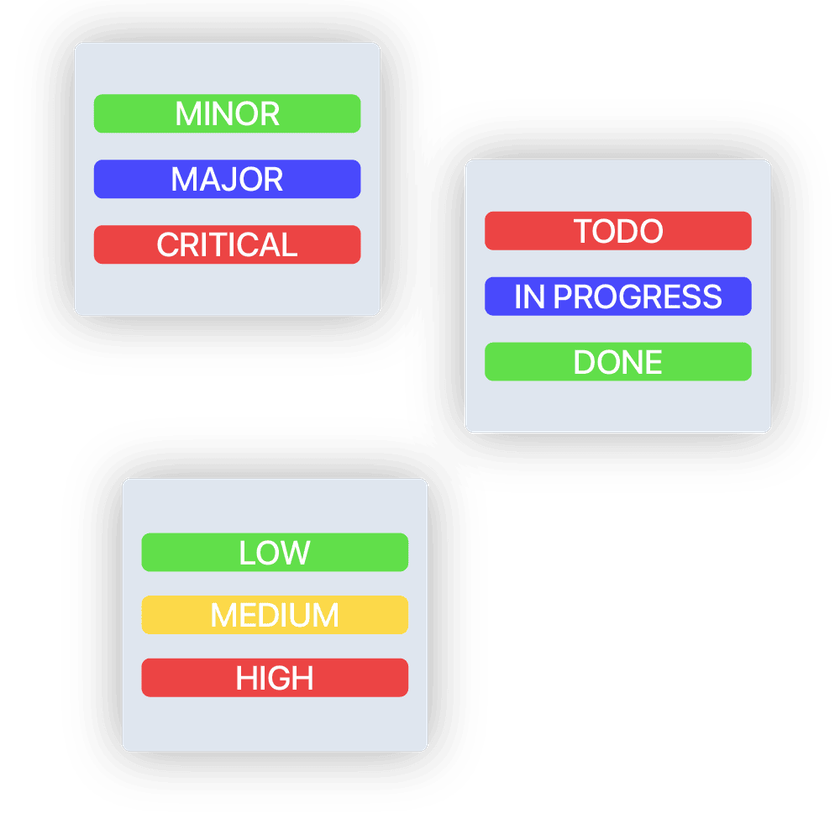
Choose from a Range of Predefined States
- To Do, In Progress, and Done
- Minor, Major, and Critical
- Low, Medium, and High
- New, In Review, and Ready

Automatic Status Color Selection
Unlike Confluence's built-in feature, you no longer have to select a color for a status with Status Macro. Every status set is configured so that each status is assigned a color.

plugin-support
Plugin Documentation and Support
You can find information on integrating Status Macro into your Confluence in our documentation. These pages contain further information on the plugin's functionality, installation, and integration, as well as a detailed guide to its use.
Do You Have Questions About the Plugin?
Not sure if Status Macro for Confluence is the right plugin for you? We're happy to advise you using our use cases and show you all the plugin's features and applications in an initial demo.